
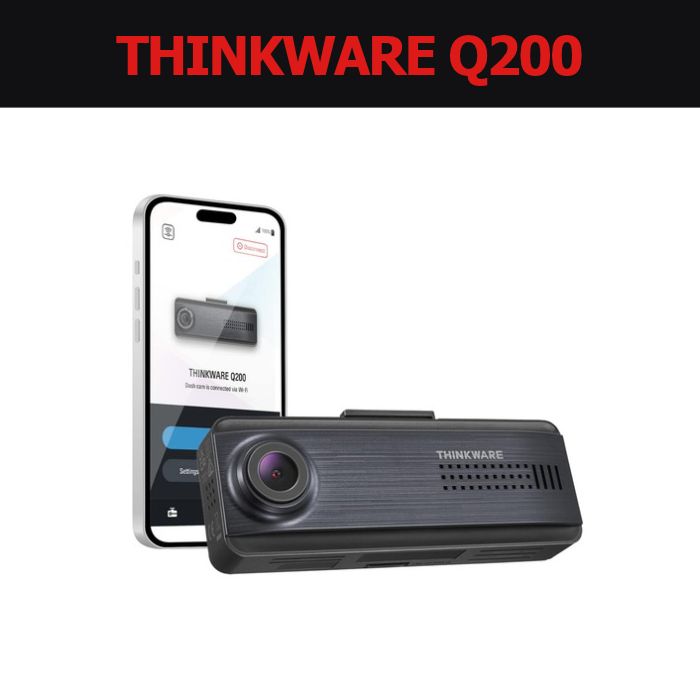
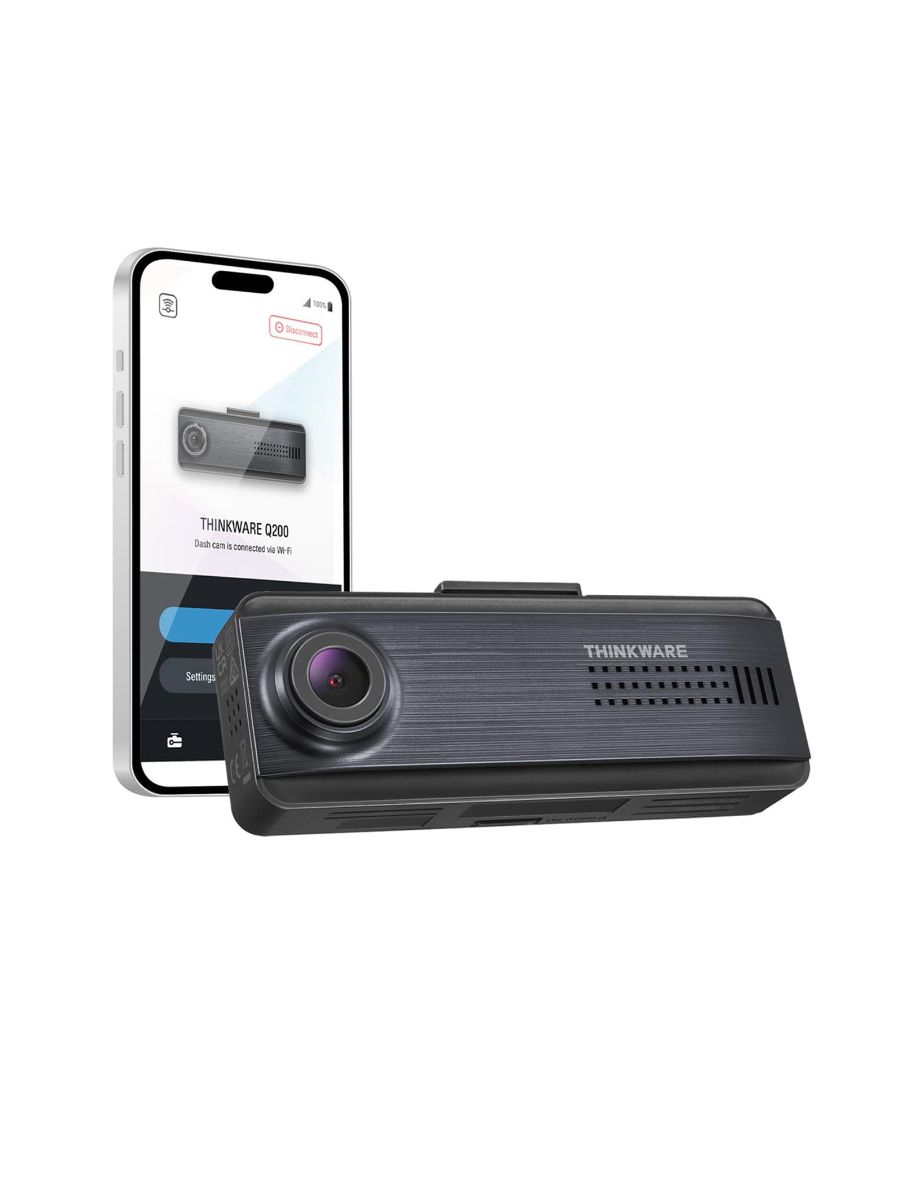
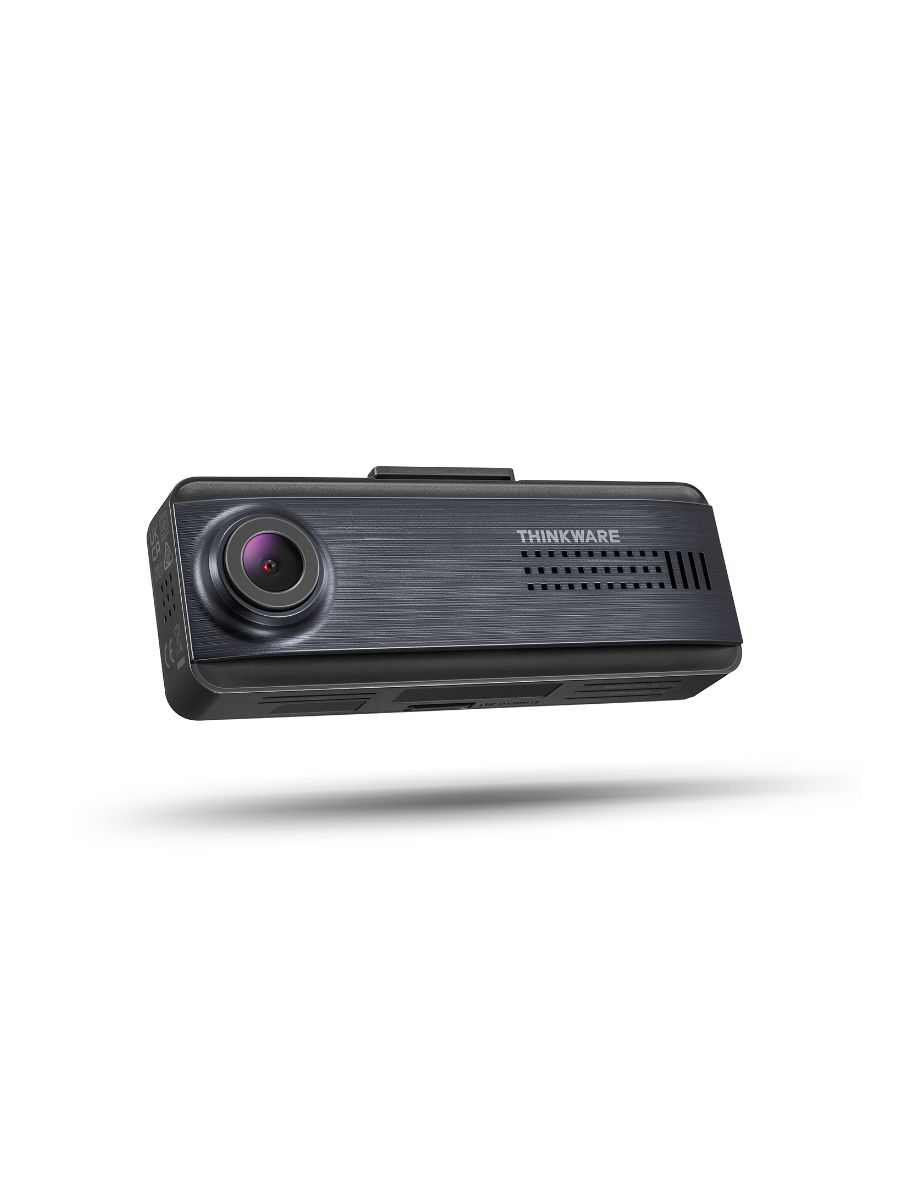
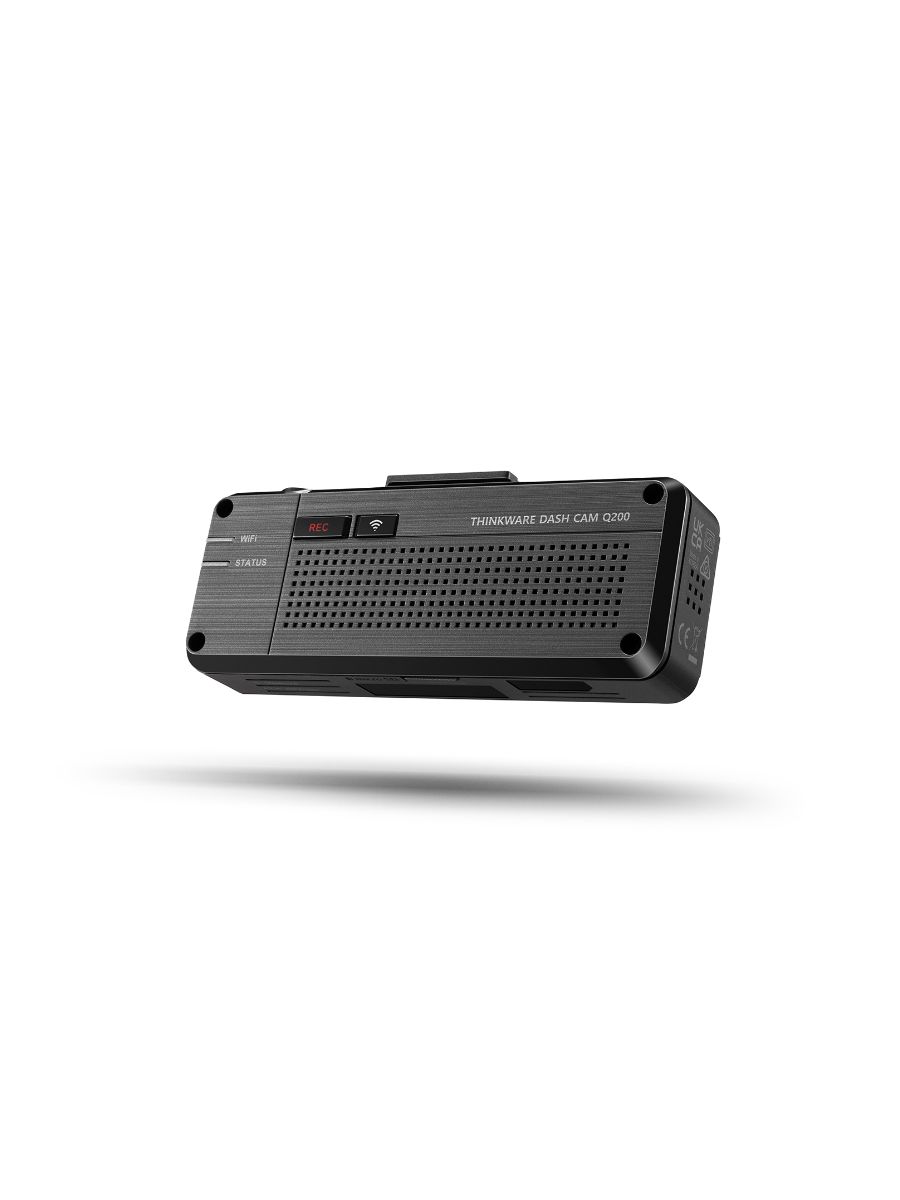
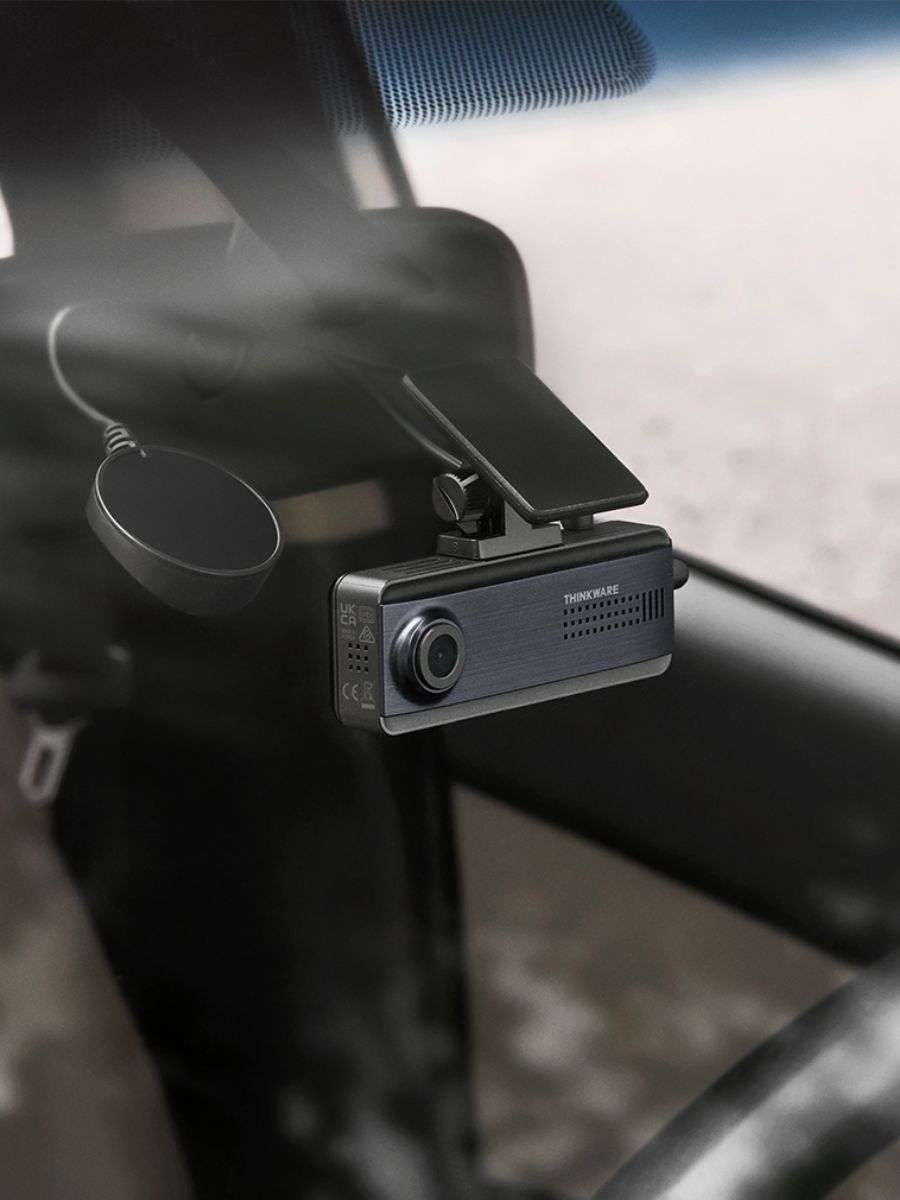
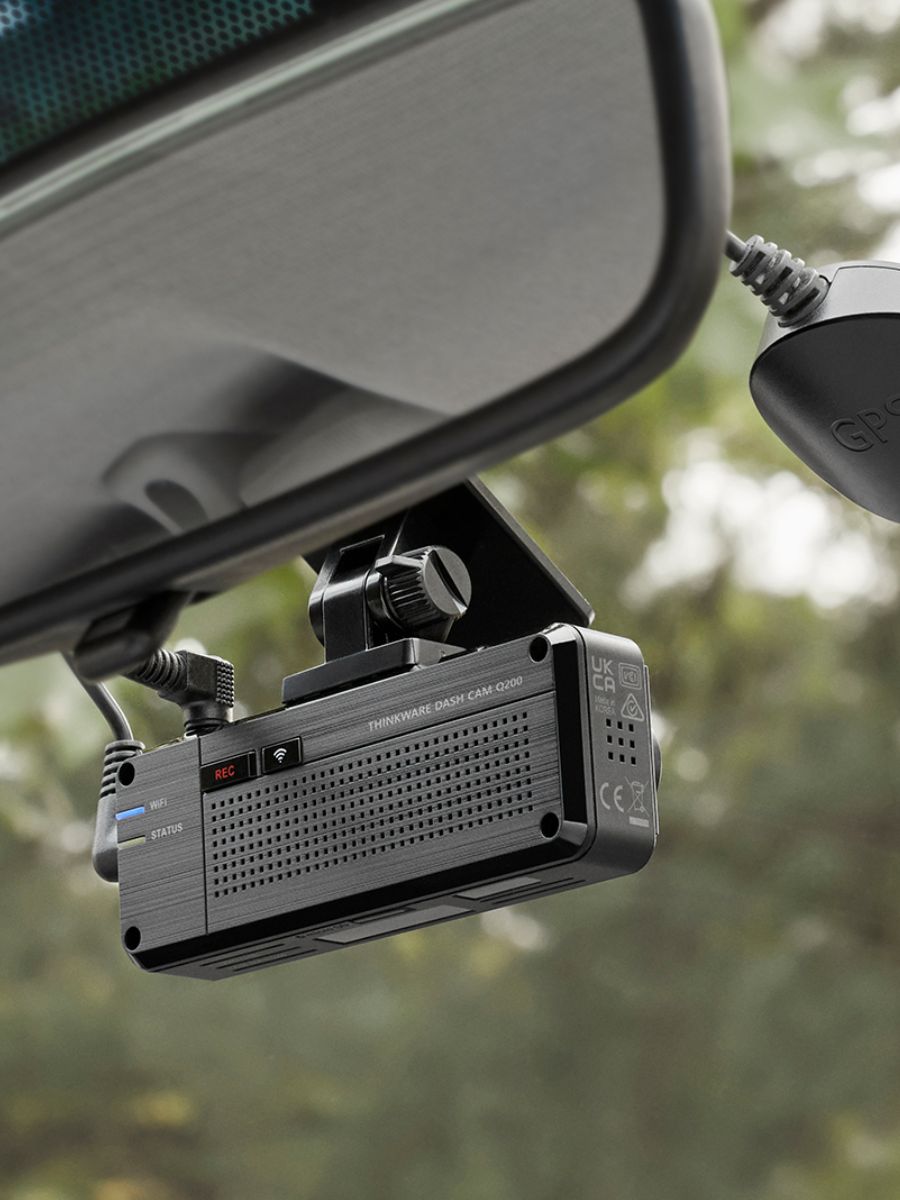
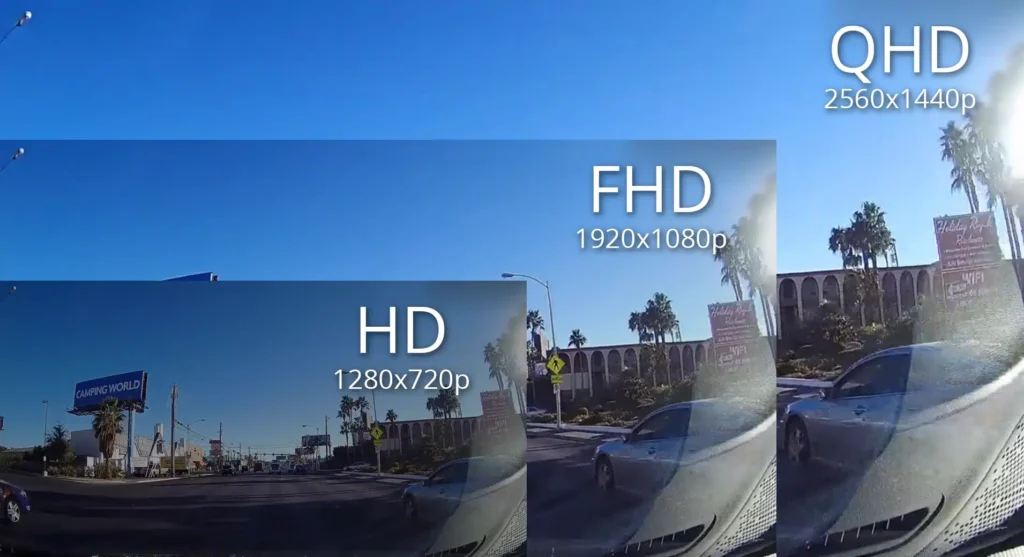
Combining compact design with advanced recording features, the Thinkware Q200 provides reliable footage and added confidence on every journey. Its 2K QHD resolution delivers sharp, detailed video, while Super Night Vision 2.0 and Wide Dynamic Range (WDR) help maintain clear, balanced footage in varying lighting conditions. Smart Parking Surveillance also monitors your vehicle when left unattended.
Accessing and managing recordings is straightforward through the Thinkware Dash Cam Link app, with bult-in Wi-Fi and Bluetooth connecvtivity making is easy to connect your smartphone to the dash cam.
Enjoy sharp, detailed footage in 2K QHD resolution, with enhanced contrast and accurate colour reproduction. A high-performance image sensor helps retain important details and deliver clear, balanced recordings in a range of lighting conditions, both day and night.
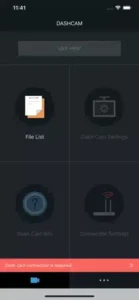
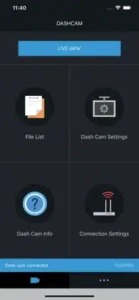
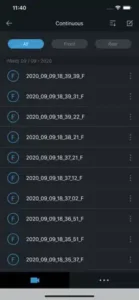
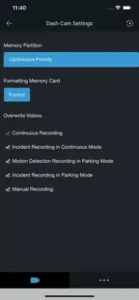
Easily connect to your Thinkware Dash Cam using the Thinkware Dash Cam Link app. View and replay recorded footage, download your favourite driving videos directly to your smartphone’s photo album and share them on social media. The app also lets you manage your dash cam settings in one convenient place, giving you quick and easy access to your recordings whenever you need them.



Thinkware Parking Mode allows your dash cam to continue recording while your vehicle is parked and the ignition is switched off. Available when using a hardwiring cable or compatible OBD-II connector, this feature helps capture activity around your vehicle when you’re away. Thinkware dash cams also monitor the vehicle’s battery voltage and automatically shut down if the voltage drops below the set safety level, helping prevent unnecessary battery drain.
Please note: A hardwire or OBD2 installation is required for Parking Mode functionality.
Designed to reduce power consumption and extend recording time compared to standard Parking Mode, Energy Saving Mode is ideal when leaving your vehicle parked for extended periods. The dash cam enters sleep mode to conserve battery power and automatically wake within one second when the built-in-G-sensor detects an impact. It then records the following 20 seconds, helping capture important incidents while your vehicle is unattended.
Records continuously at 2 frames per second (fps), reducing power consumption while allowing longer recording times in Parking Mode.
Capture cleaner footage in low-light conditions with Thinkware’s advanced Super Night Vision 2.0 technology. Using Image Signal Processing (ISP) and real-time image noise to reveal greater detail during night-time recording. Version 2.0 also offers added flexibility, allowing you to choose between Continuous Recording Mode and standard Parking Mode.

Get audio warnings from your dash camera when approaching a wide variety of road safety cameras.* Thinkware dash camera provides active alert for these 5 types of road safety cameras while still recording videos.
*UK speed camera (Cyclops) database with regular free updates
RED LIGHT WARNING SYSTEM | SPEED CAMERA WARNING SYSTEM | AVERAGE SPEED WARNING SYSTEM | MOBILE ZONE WARNING SYSTEM

Forward Collision Warning System (FCWS/UFCWS)
Warns the driver of impending road hazards.

Front Vehicle Departure Warning (FVDW)
Informs the driver of the vehicle ahead starting to move.

Lane Departure Warning System (LDWS)
Detects if the vehicle is veering off the driving lane.
Built-in GPS records your vehicle’s speed, location and route, allowing you to review your journey details alongside recorded footage. Using the Thinkware PC or Mac Viewer, you can view your vehicle’s position on a map and check key information, including driving speed, the time of an impact and its severity. This provides useful additional context when reviewing incidents or assessing events on the road.

Manage your Thinkware dash cam recording easily with the intuitive PC or Mac Viewer. Playback and download recorded footage, adjust camera settings, format your memory card and install firmware updates, all through one simple interface. Everything you need to manage your dash cam is conveniently accessible in just a few clicks.
Continuous Recording Mode
Thinkware Dash Cams offer several recording modes to capture important footage in different driving situations.
Incident Recording Mode
The built-in 3-axis G-sensor detects sudden impacts and automatically saves footage from 10 seconds before and after the incident, helping preseve important evidence.
Manual Recording Mode
Capture specific events at the touch of a button, whether your vehicle is moving or stationary. Ideal for recording unexpected incidents or interesting moments on the road.
Fail-Safe Recording
In the event of a power disconnection following an accident, the built-in Super Capacitor provides backup power to help ensure any footage currently being recorded is safety saved.
Reduce overexposure caused by bright light sources while driving, helping your dash cam capture clearer, more balanced footage in challenging lighting conditions.
Wide Dynamic Range technology balances bright and dark areas to improve image clarity in challenging lighting conditions . It helps manage sudden changes in light exposure, such as driving into or our of tunnels or facing direct sunlight, reducing overexposed areas and capturing clearer, more detailed footage.

Helps prevent file corruption and data loss, reducing the need for frequent memory card formatting. Anti-file corruption technology also minimises data fragmentation, helping extend the memory card’s lifespan and maintain reliable performance.

Protect your dash cam from excessive heat with intelligent temperture monitoring and built-in thermal protection. Specially designed heat-dissipation features and an integrated thermal sensor help prevent overheating by automatically shutting down the device when temperaturs become too high, reducing the risk of damage to the camera and stored footage.
Thinkware dash cams also feature a temperature-protected Super Capcitor, providing backup power in the event of a collision or sudden power loss. This allows the camera to safely save the final 10 seconds of footage, helping preserve important incident recordings.
View our full range of Front, Front & Rear Dash Cams.
Supplied by Chameleon.
| Fitting | Dual Lead, Dual Lead – OBD2 Installation Cable Included (for Parking Surveillance Mode) |
|---|
Reviews
There are no reviews yet.